Counting tasbeeh with volume buttons is a game-changing feature for Muslims who want to maintain their dhikr practice throughout the day — not just during dedicated prayer sessions. Whether you are walking to work, cooking dinner, or sitting in a quiet meeting, volume button counting lets you do dhikr without looking at your screen or even taking your phone out of your pocket.
How Volume Button Counting Works
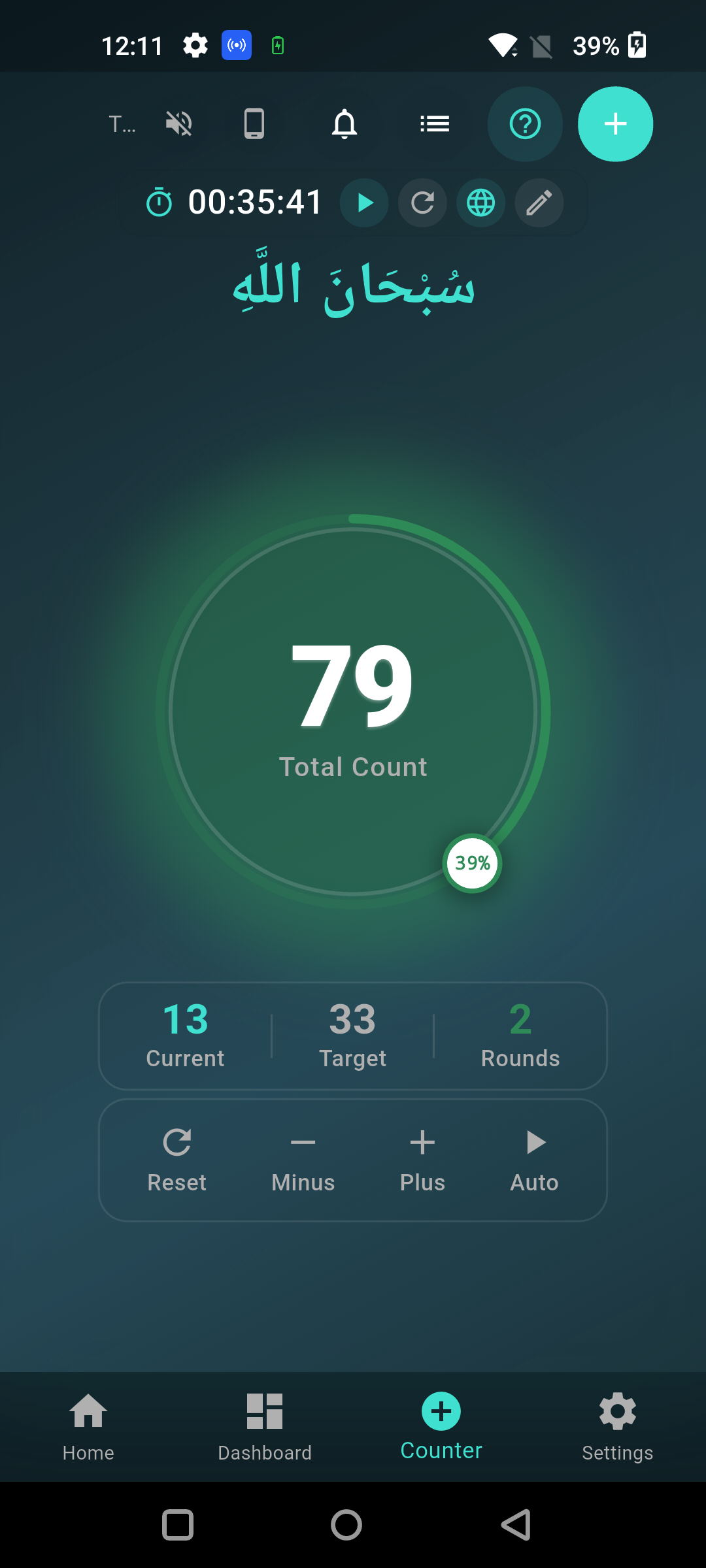
Tasbeeh Counter intercepts your phone's hardware volume buttons and converts each press into a counter increment. Press volume up or volume down, and the counter advances by one — just like tapping the screen. The count is tracked, rounds are calculated, and your session statistics update in real time, all without touching the screen.
- ◆Enable in settings: Toggle volume button counting on or off anytime
- ◆Both buttons work: Volume up and volume down both increment the counter
- ◆Works with screen off: Count even when your phone screen is locked
- ◆Haptic feedback: Feel a subtle vibration confirming each count
- ◆No audio change: Volume buttons are redirected — your phone volume stays the same
Perfect Scenarios for Volume Button Dhikr
Volume button counting unlocks dhikr opportunities that would be impossible or awkward with screen tapping or physical beads:
- ◆Morning commute: Count your morning adhkar while holding a handrail on the bus or subway
- ◆Walking: Keep your phone in your pocket and count with each press as you walk
- ◆Cooking: Hands are busy with food prep, but your thumb can reach the volume button
- ◆Waiting rooms: Count discreetly without anyone noticing
- ◆Before sleep: Count your evening adhkar with your eyes closed, phone under the pillow
- ◆During Ramadan: Maximize dhikr during every idle moment of the blessed month

Try Tasbeeh Counter Free
Track your dhikr with beautiful themes, prayer time alerts, and complete privacy. No ads, no accounts.
Volume Buttons vs Physical Tasbeeh Beads
Physical tasbeeh beads have been used for centuries, and they carry beautiful spiritual significance. However, they require dedicated hand use, can be conspicuous in professional settings, and do not track your counts over time. Volume button counting offers the same tactile counting experience with the added benefits of automatic tracking, round counting, and streak maintenance. For a detailed comparison, see our digital vs physical tasbeeh guide.
Tips for Effective Volume Button Counting
- ◆Set your target first: Configure your round target (33, 99, 100) before starting the session
- ◆Use the vibration cue: The haptic feedback at round completion tells you when to switch dhikr
- ◆Keep a steady rhythm: Match your button presses to a comfortable breathing pattern
- ◆Enable the sound: A subtle click sound confirms each count if you cannot feel the vibration
- ◆Check your progress: Glance at the phone occasionally to verify your count is tracking
Tip: For long dhikr sessions, the volume button method produces less finger fatigue than screen tapping. The physical button provides a satisfying tactile click that reinforces each count.
How to Enable Volume Button Counting
Enabling volume button counting in Tasbeeh Counter takes about 3 seconds:
- ◆Open Tasbeeh Counter and go to Settings
- ◆Find the "Volume Button Counting" toggle
- ◆Turn it on — that is it
- ◆Return to the counter and start pressing volume buttons to count
The feature is completely private — no data about your counting habits is sent anywhere. Everything stays on your device. Combined with the full post-prayer dhikr routine, volume button counting ensures you can maintain your dhikr practice in any situation.
فَاذْكُرُونِي أَذْكُرْكُمْ
“So remember Me, and I will remember you.”
Al-Baqarah 2:152